
Best Nintendo DS Emulators for PC to Play DS Games Smoothly


 4 min. read
  Published on

Playing Nintendo DS games on a PC improves resolution, boosts performance, and unlocks save states and controller support. The tools below work great for Windows and offer high compatibility with popular DS titles. If you also want to try Game Boy Advance emulation, you can review this guide on the best GBA emulators for PC.
Table of contents
What Is The Best Nintendo DS Emulator For PC?
1. DeSmuME – Fast And Reliable
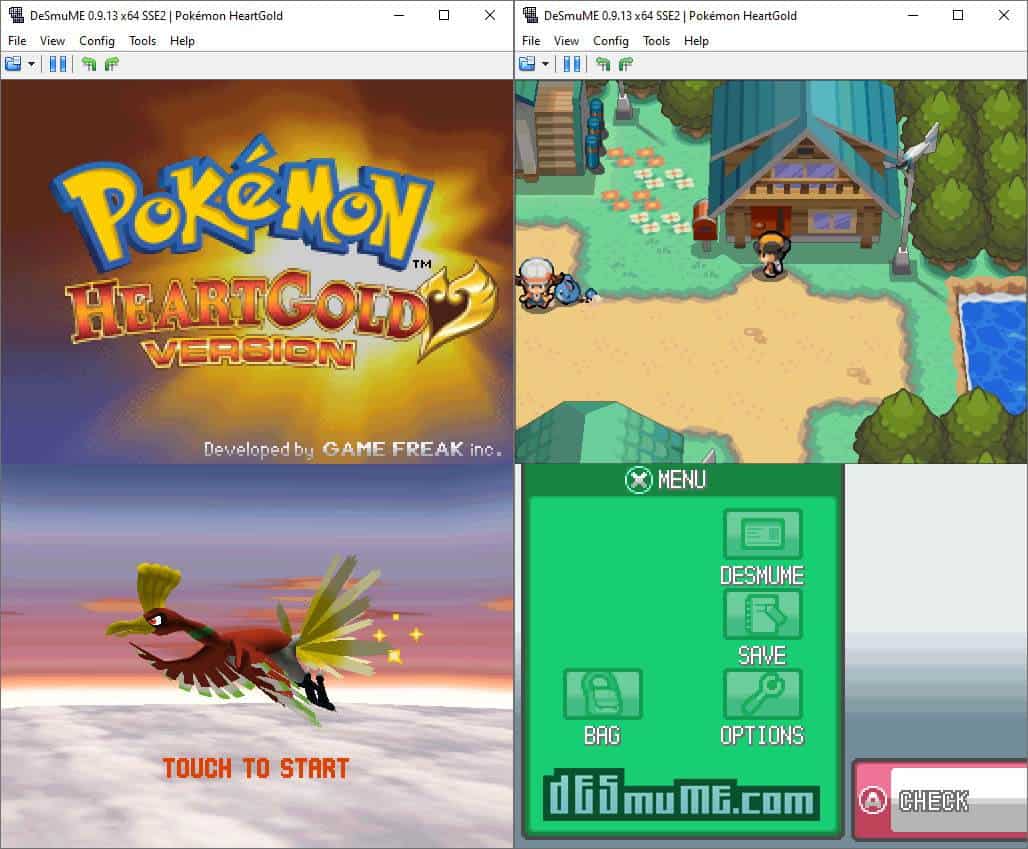
DeSmuME delivers high compatibility with most commercial Nintendo DS games. It handles both 2D and 3D titles smoothly and remains the most stable option for users who want consistent performance on mid range hardware.
It also includes detailed configuration settings, visual enhancements, and a robust save system. Players who enjoy experimenting with multiple platforms might also check the WindowsReport guide on all in one emulators for broader multi system support.
Other great features:
- Resolution upscaling
- Cheat code manager
- Microphone simulation
- Controller remapping
- Frame skip controls
2. melonDS – Accurate Hardware Emulation
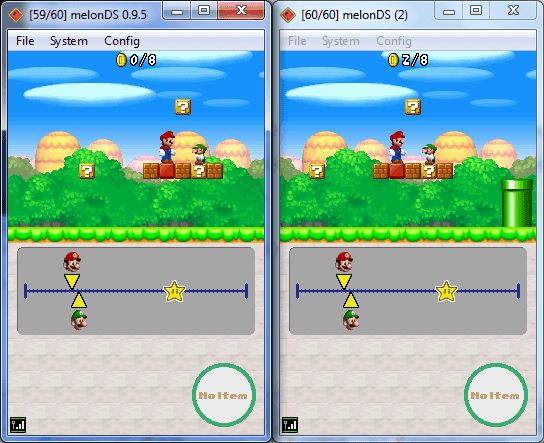
melonDS focuses on replicating DS hardware behavior accurately, giving users low input lag and smooth gameplay. Its strong OpenGL renderer improves visual quality on modern GPUs without causing stutter.
It also attracts players looking for multiplayer support since it offers reliable local WiFi emulation. Those interested in exploring more Nintendo handheld systems can read WindowsReport’s coverage of Nintendo 3DS emulators for PC.
Other great features:
- Local multiplayer support
- OpenGL hardware renderer
- Improved audio timing
- Save states and quick loads
- Configurable hotkeys
3. RetroArch – All In One Emulator
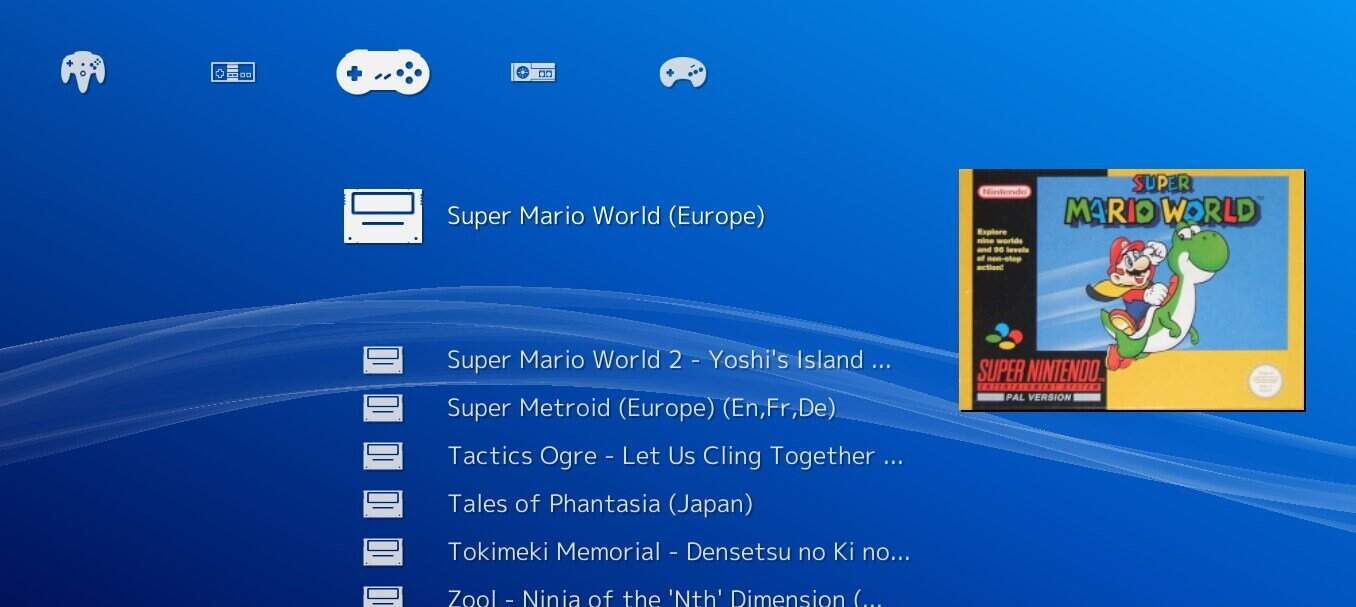
RetroArch acts as a flexible multi system emulator that supports Nintendo DS through cores like DeSmuME and melonDS. Its unified interface keeps setup simple, and its shader library offers powerful visual upgrades.
Users enjoy its cloud saves, achievements, and integrated netplay features. RetroArch works well for players who want DS emulation alongside many other consoles inside one dashboard.
Other great features:
- Large library of emulator cores
- Shader and filter customization
- Automatic controller mapping
- Netplay features
- Cloud save sync
4. DraStic DS – High Speed Performance
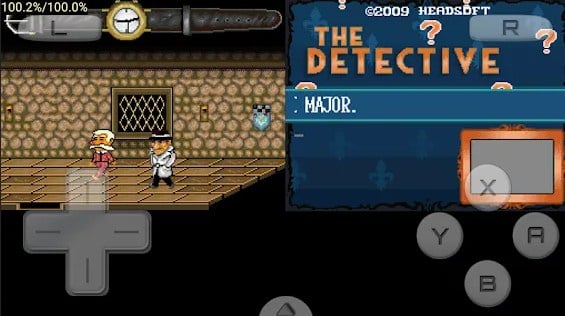
DraStic DS focuses on speed and smooth gameplay, offering one of the fastest DS emulation experiences available on PC. It enhances 3D resolution, reduces in game lag, and provides strong compatibility with both commercial and homebrew titles.
Its interface stays clean and simple, making it easy for new users to jump in without manual configuration. It handles demanding games better than many lightweight alternatives and includes useful tools for long term play sessions.
Other great features:
- Controller customization
- High speed emulation
- Enhanced 3D graphics scaling
- State saving and loading
- Fast forward support
5. No$GBA – Great For DS And GBA
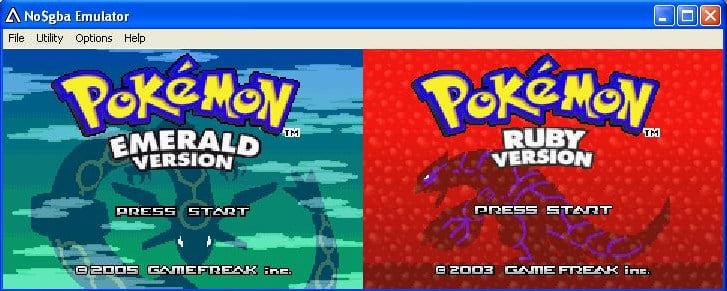
No$GBA supports both Nintendo DS and Game Boy Advance games in a single tool, which appeals to users who need a compact multi system emulator. It performs well on older PCs and loads ROMs rapidly.
Its long standing reputation comes from stable performance, solid compatibility, and an easy control configuration system. Homebrew developers also appreciate the debugging tools and flexible testing options.
Other great features:
- Supports DS and GBA ROMs
- Low system requirements
- Fast save state creation
- Debug tools included
- Configurable screen size
FAQ
DeSmuME and melonDS provide the strongest mix of performance, stability, and compatibility.
Yes. All tools listed support gamepads with custom mapping options.
Emulators are legal, but downloading copyrighted ROMs you do not own is not legal.
Slowdowns usually come from weak hardware or high resolution settings. Lowering scaling or enabling frame skip helps improve speed.
Nintendo DS emulators on PC offer improved resolution, flexible controls, and instant save features. Whether you want accuracy, simplicity, or multi platform support, each tool above delivers dependable performance for DS gaming on Windows.

Read our disclosure page to find out how can you help Windows Report sustain the editorial team. Read more



Improve this guide


User forum
0 messages